Distributed Commerce Claim Process (MFX)
Once the purchase is successfully completed, Ticketmaster add the tickets to the Ticketmaster account attached to the email provided during payment. A new Ticketmaster account will be automatically created if the account did not already exist. For this reason, it is important that a real email address is provided rather than a dummy or obfuscated email address.
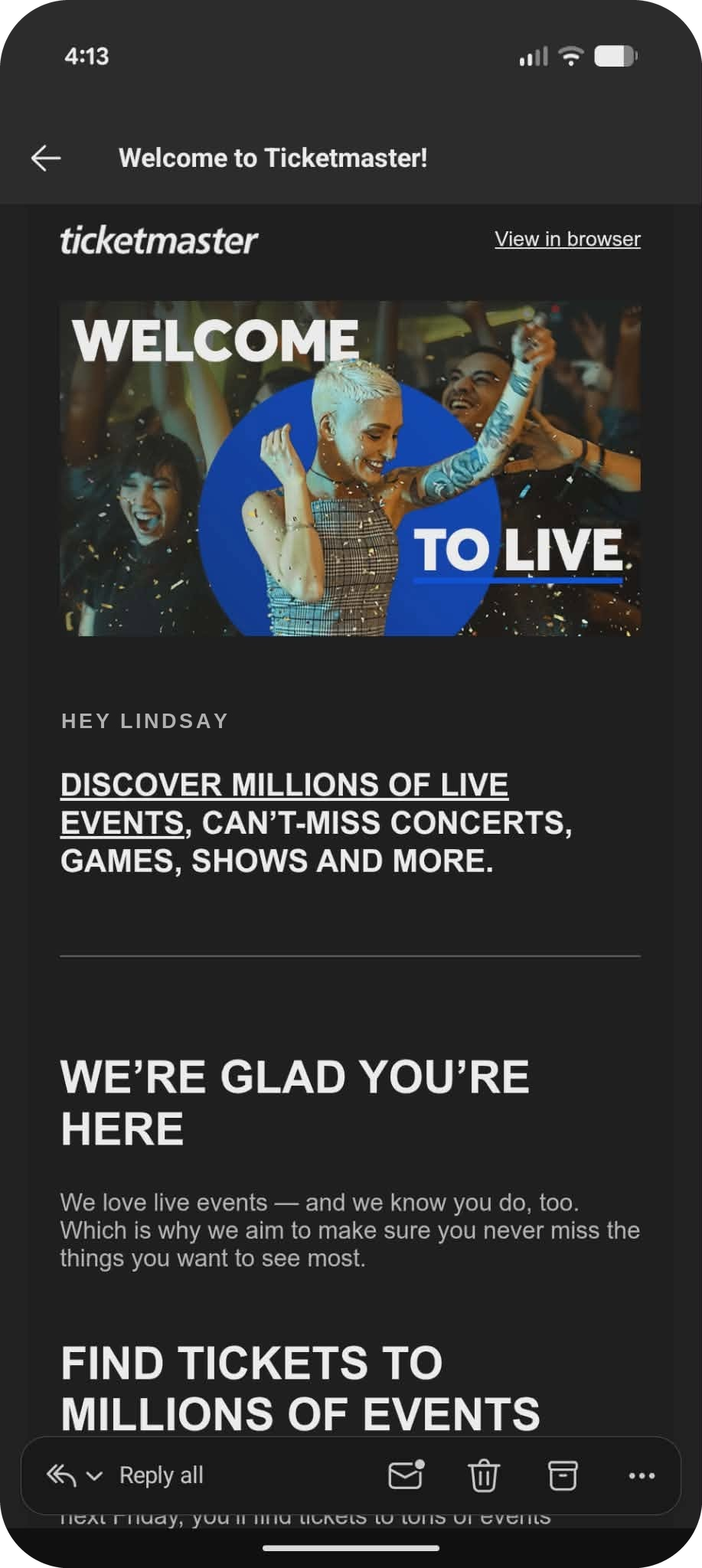
If a new Ticketmaster account is created, the fan will receive a welcome email.
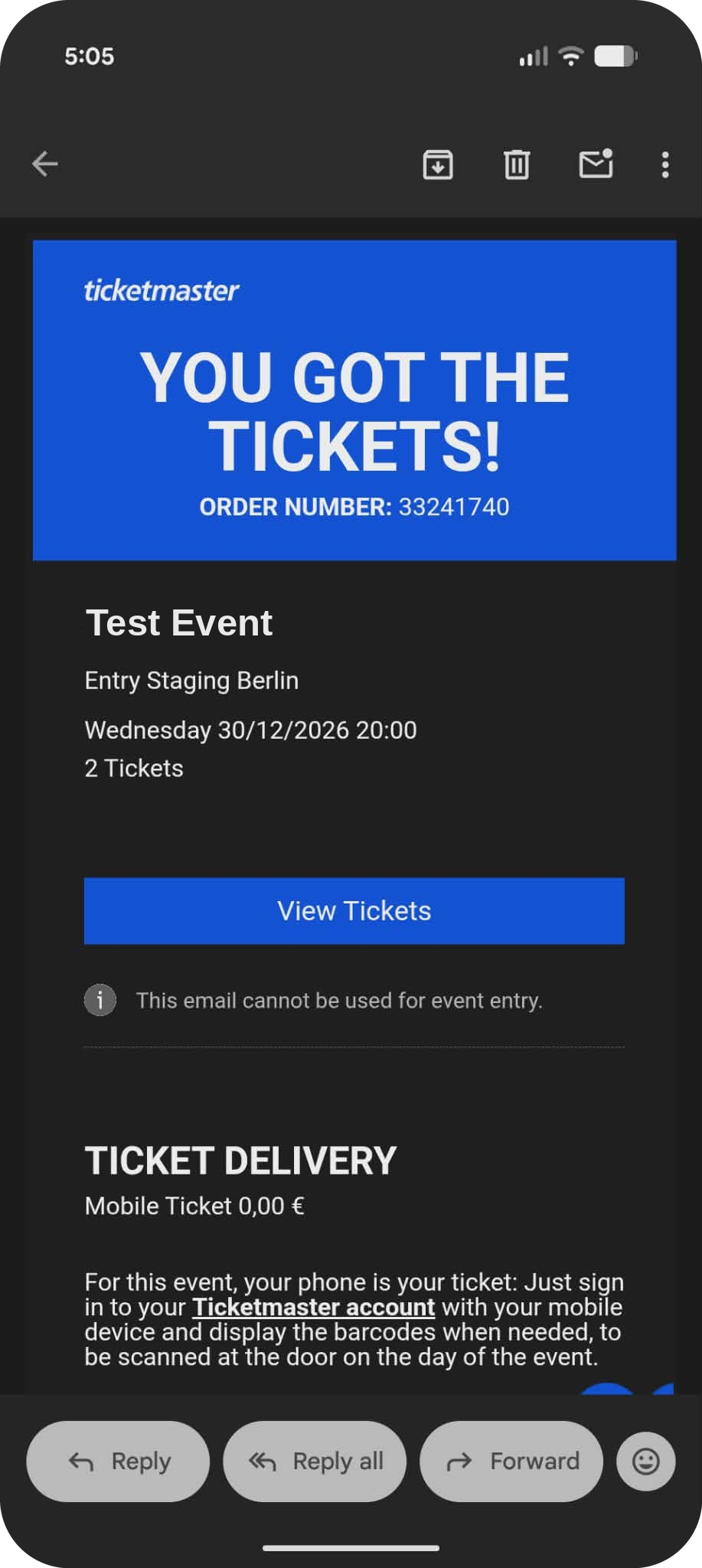
Once the purchase is successfully completed, the fan will also receive an email that the tickets are in their account. If they purchased a digital ticket, they will receive one order confirmation email.
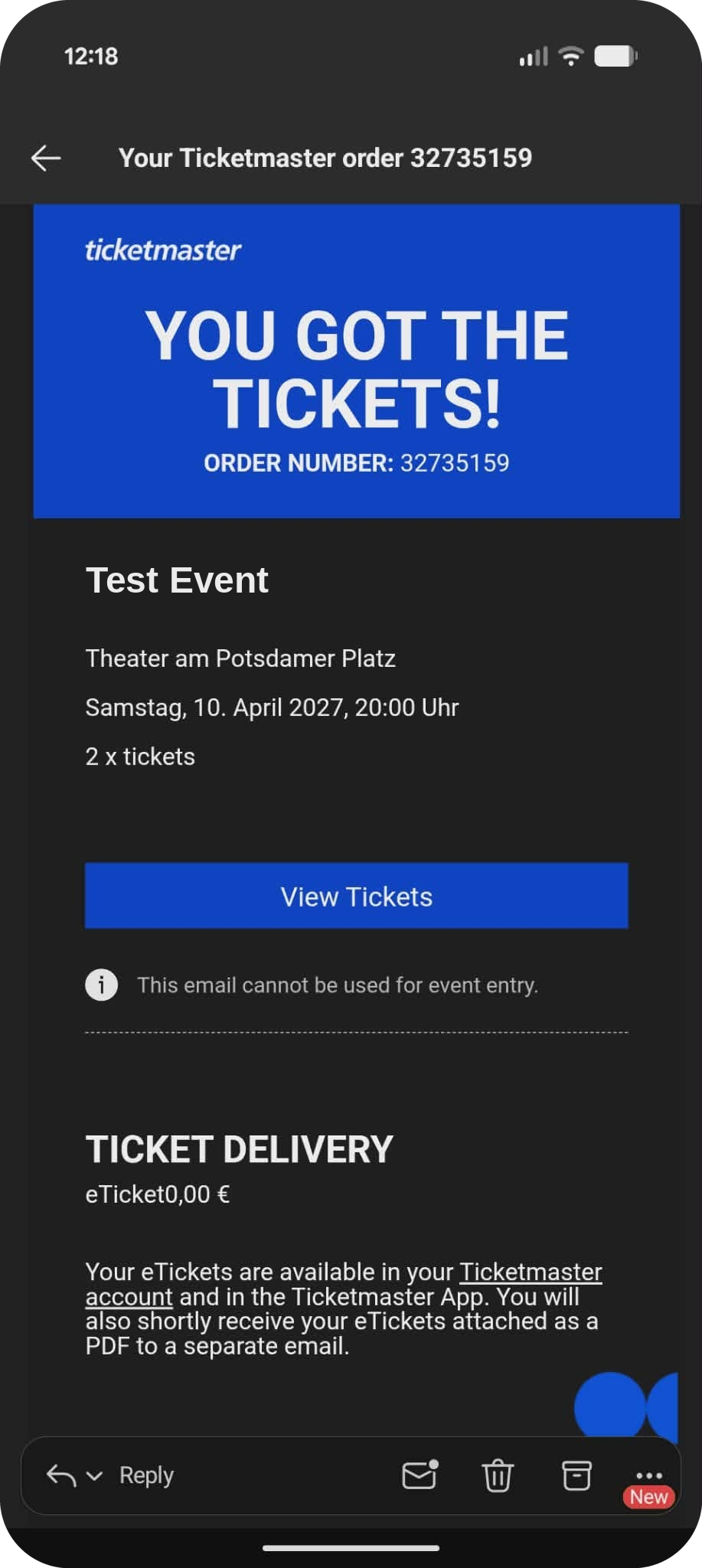
If they purchased an event configured for PDF tickets (only available in certain markets), then they will receive one order confirmation email, and then a separate email with a PDF attachment of their tickets.
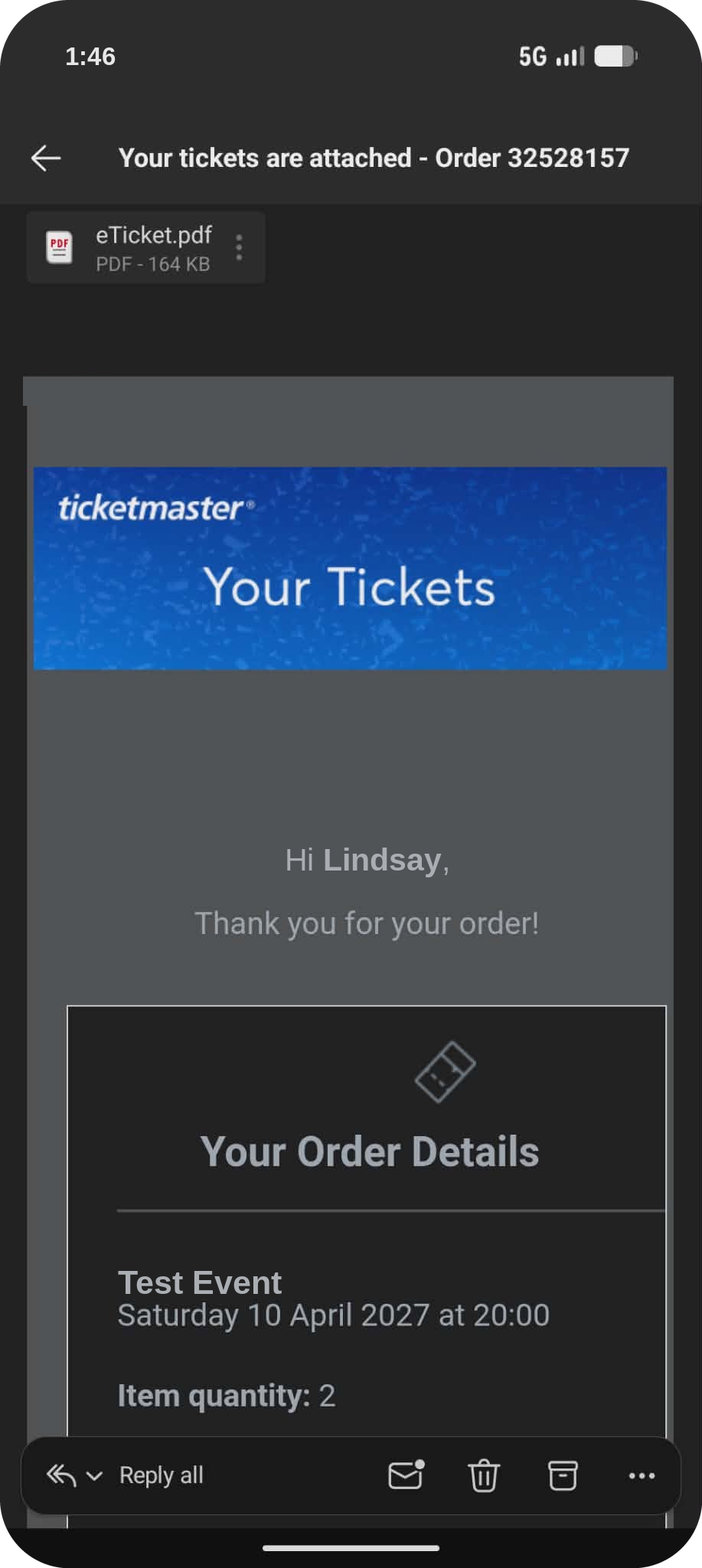
The fan can sign in to their Ticketmaster account to view their tickets.
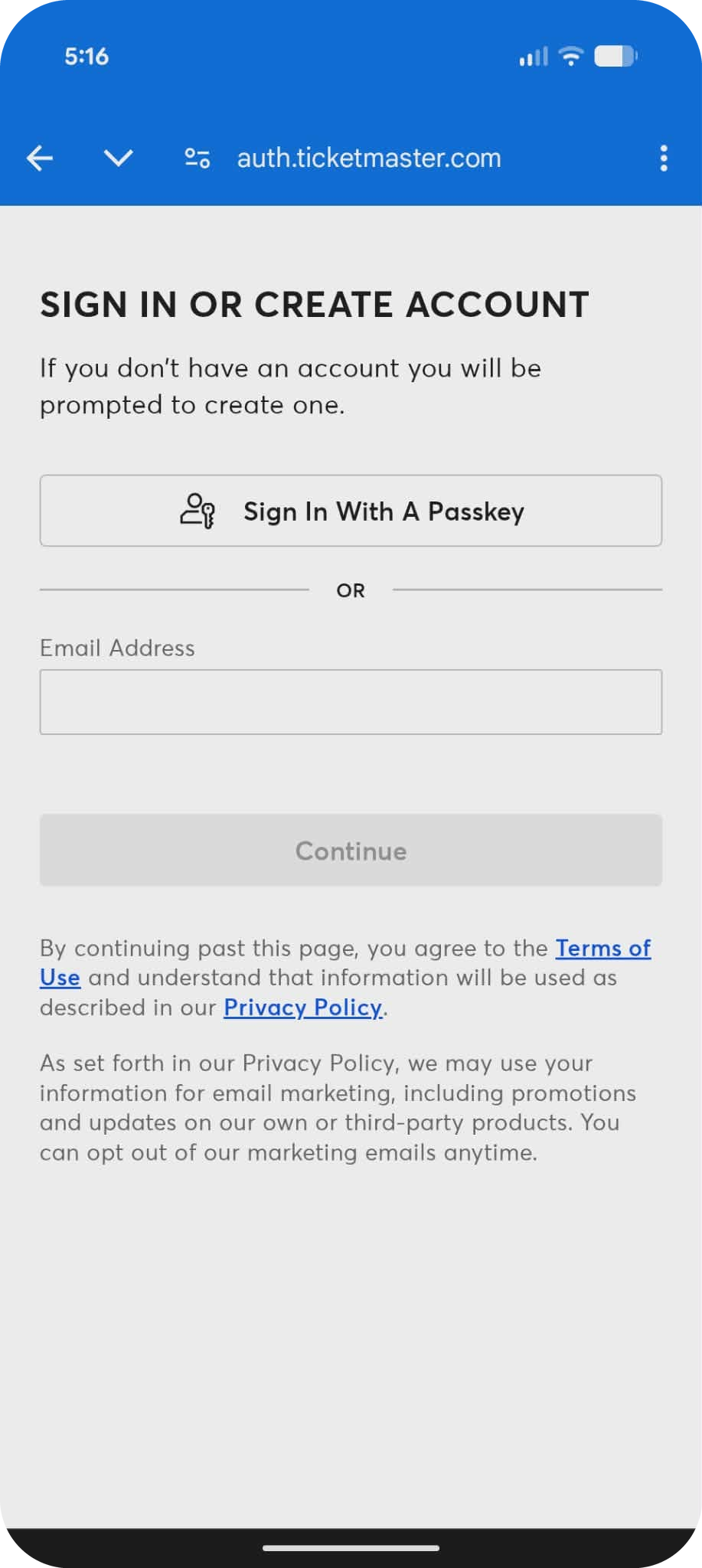
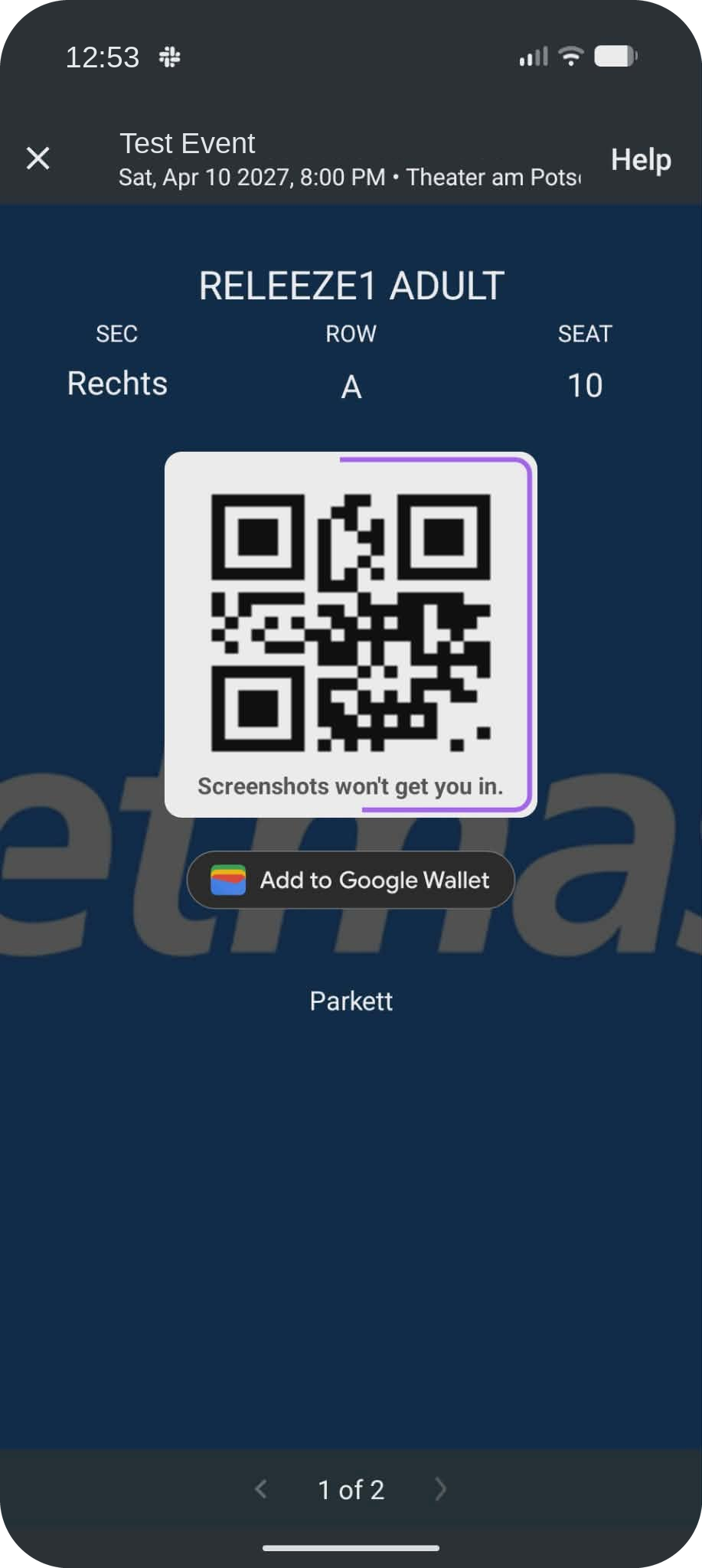
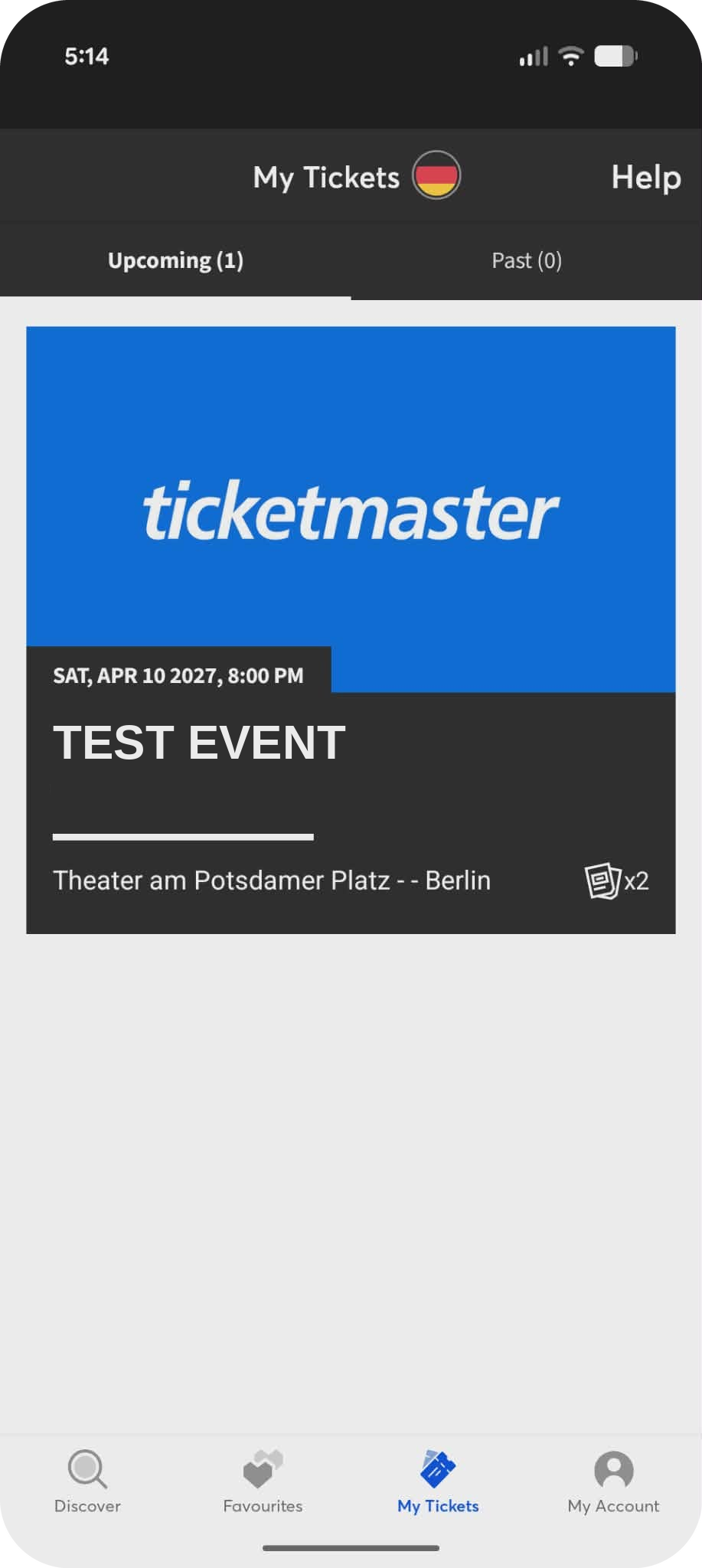
Once signed in, the tickets are available in the fan’s account. If the fan has the mobile app installed, they can open the tickets in the app.
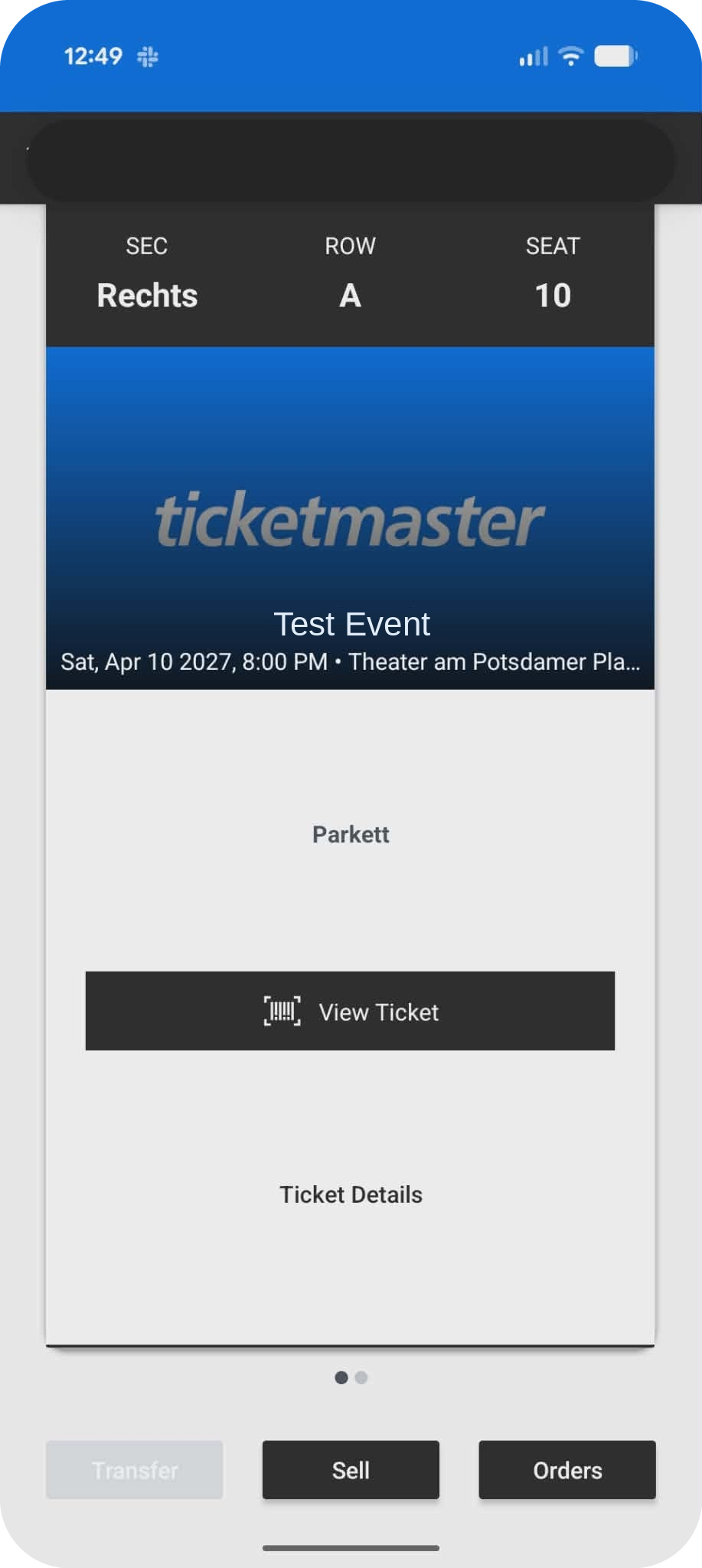
The fan can save their ticket to their mobile wallet or view from the Ticketmaster app to enter the event.